
GTA 6 accessibility options include larger text and a simpler screen
Rockstar developer Sam Grosset also describes a sprint control option, but has not explained how it works.
How sure
Medium
TechRadar published direct comments from Grosset; its article does not provide a full settings list.
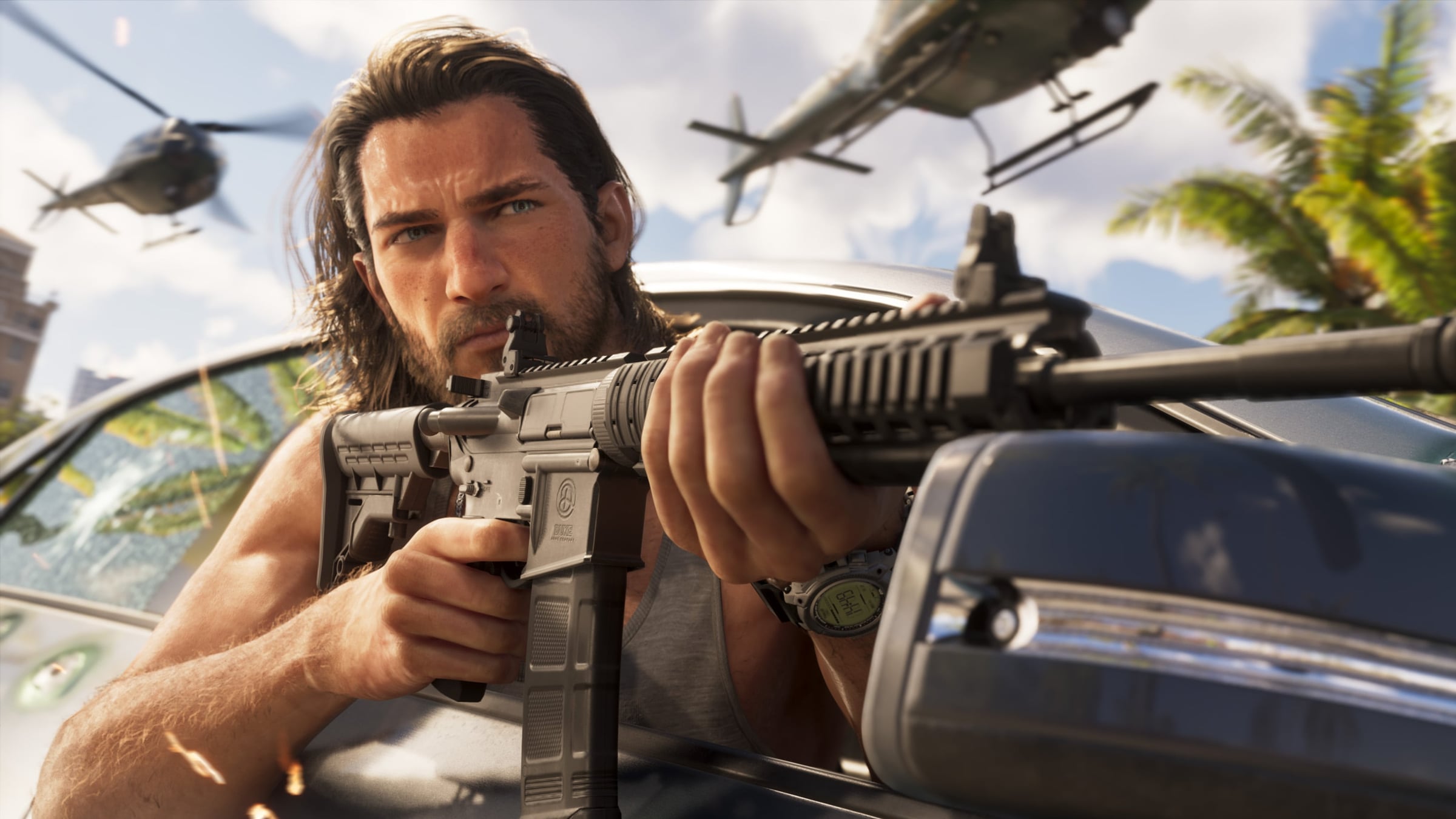
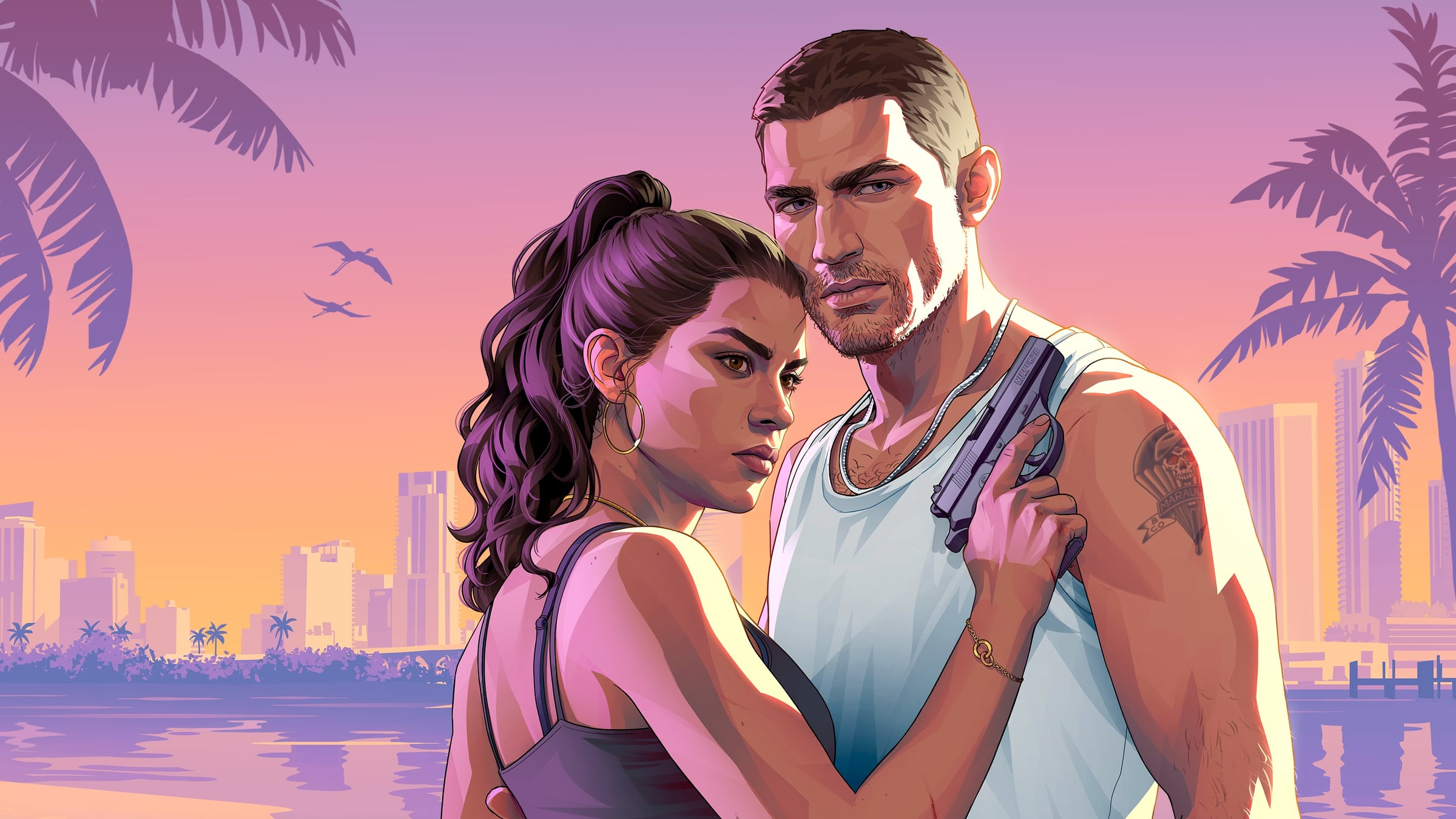
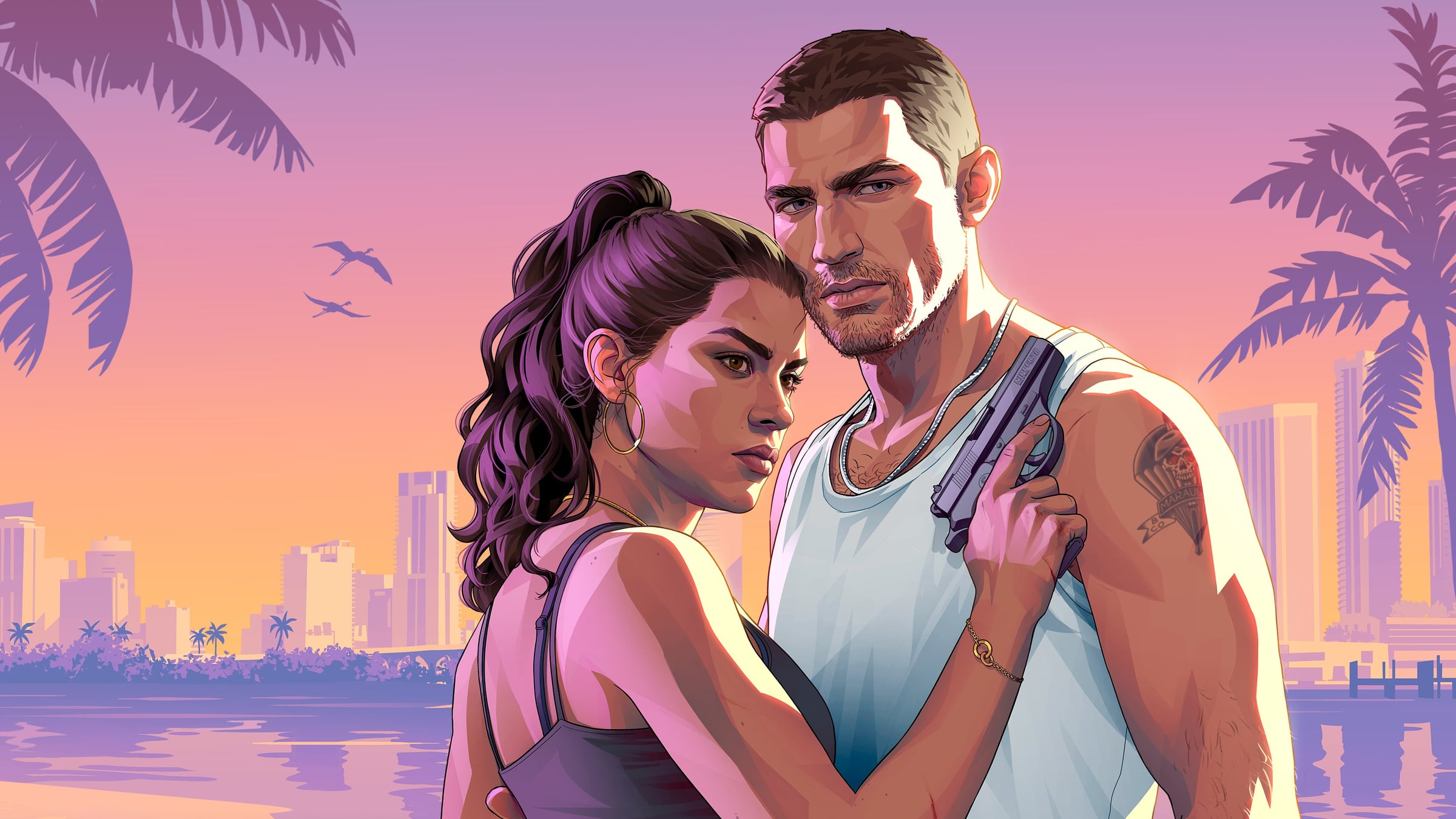
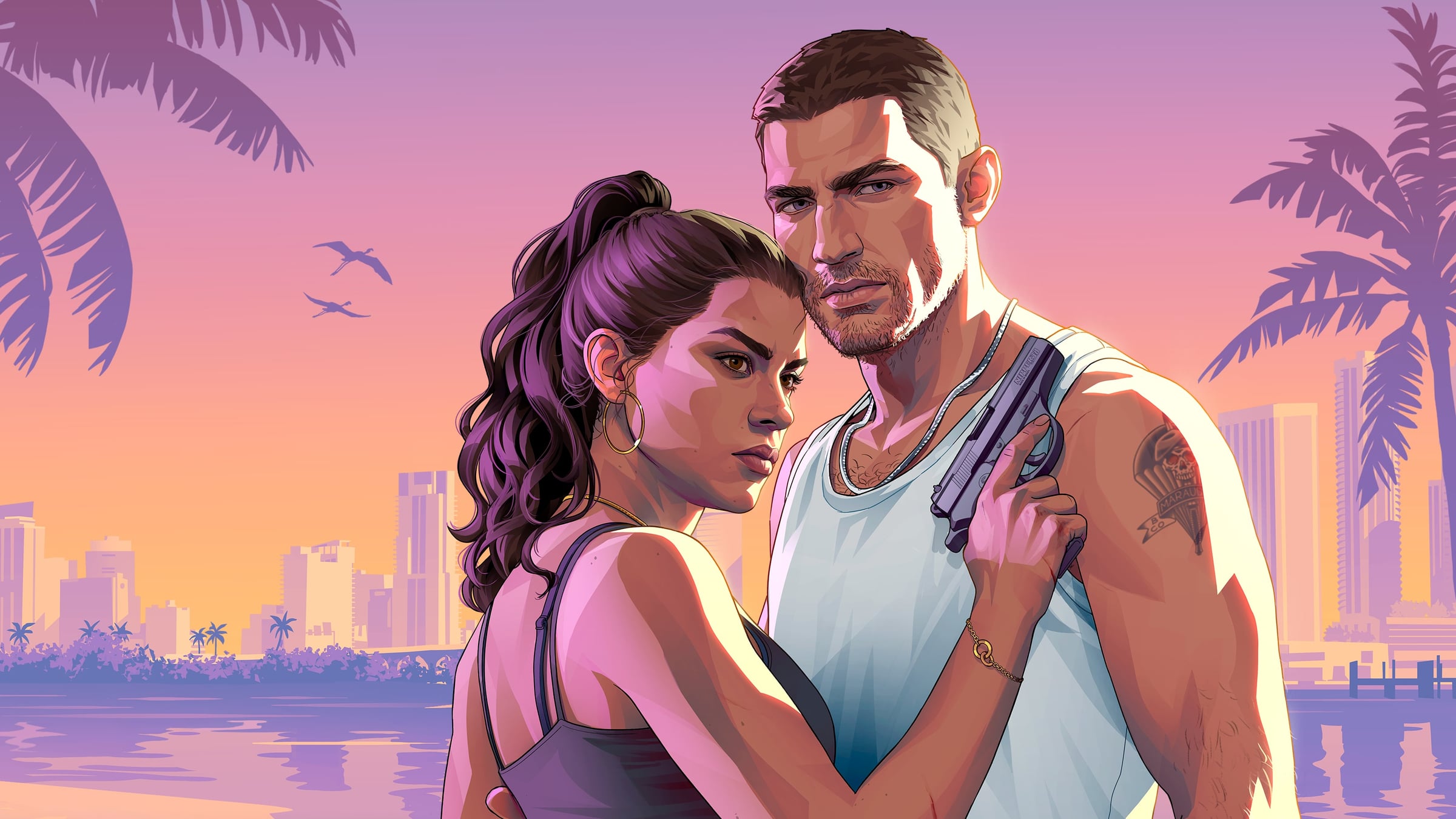
In comments sent to TechRadar, Rockstar developer Sam Grosset says GTA 6 includes options for larger text, a less crowded screen and a sprint control tweak. Those choices could make the game easier to read or control for players who need them.
This is a short brief: the reporting is TechRadar’s, and we had nothing to add yet. Read their story.
Sam Grosset, an associate UI director on GTA 6, said accessibility was considered from the start. The team wanted players to have choices in how they play, including a larger font, a more minimal screen and a change to sprint controls.
The in-game phone appears in the character’s hand, a UI change Grosset says helps players feel they are playing as Jason or Lucia. Rockstar says it tested and revised these features as it built the game.
What we don’t know
The developer comments give examples, but not a full list of accessibility settings or details of how the sprint option works.
That’s the whole story. Back to the main quest.
Sources
- 1
Corrections
No corrections to this story. Spotted a mistake? Tell the newsroom; every fix is dated here.